
The Cricut machine is a cutting and crafting tool that can help library patrons bring their creative ideas to life. It is a versatile device that allows users to cut, write, and score various materials with precision using digital designs.
Makerspace
Our Makerspace, located on the upper level of our Port Carling branch, provides our members with access to a variety of equipment, such as a Cricut Explore 4, a button maker, and a laminator. Patrons can use the Makerspace equipment at no charge to bring their ideas to life and to engage in DIY projects.
Click on each section to learn more about our Makerspace equipment:
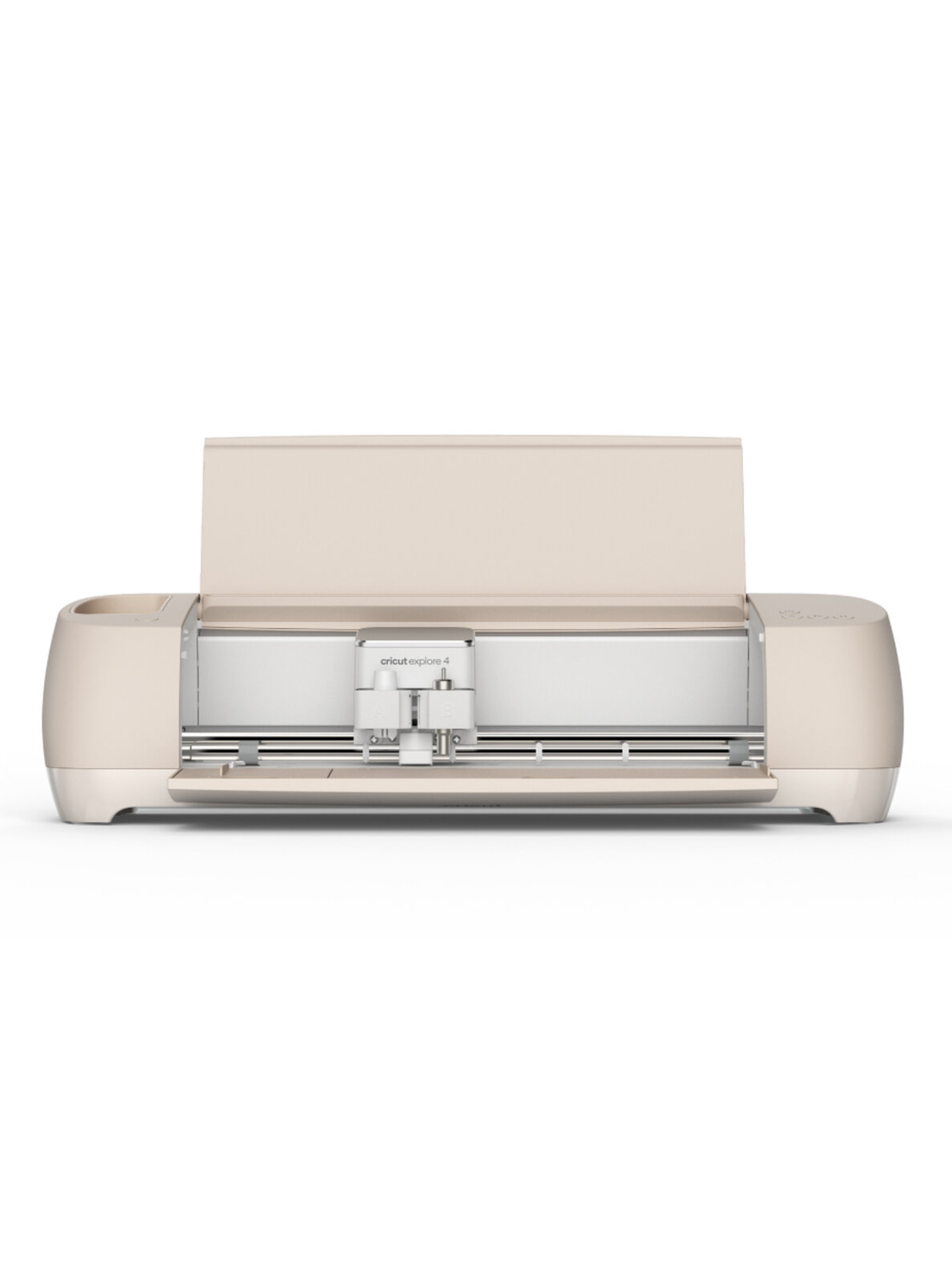
Use Cricut Design Space to prepare your project for cutting and to send your project to the Cricut Maker cutting machine. Cricut Design Space is a software program that connects to the Cricut Maker via Bluetooth or a USB cable.
Download Cricut Design Space free at https://design.cricut.com/#/
You will need to set up your own Cricut Design Space account (i.e. Cricut ID).
Some design features on Cricut Design Space are free, while others can be purchased. You can also import your own .png files into Cricut Design Space.
When can I use the Cricut Explore 4?
If you would like to book some time to use our Cricut Explore 4, please email us at info@mlpl.ca or give us a call at 705-765-5650. We will book a one hour session for you where a staff person will be available to assist you with the equipment. There is no charge to book a session.
To use the equipment you will need a valid Muskoka Lakes Public Library card and you will be asked to sign a waiver. Youth ages 17 and younger will require a parent/guardian to sign the waiver.
If you would like to use the Cricut Maker cutting machine, we recommend creating your own Cricut Design Space account and preparing your design. When you arrive for your session, you can connect your laptop to the Library’s Cricut Maker, or you can sign into your Cricut account from the library’s laptop that is connected to the Cricut Maker.
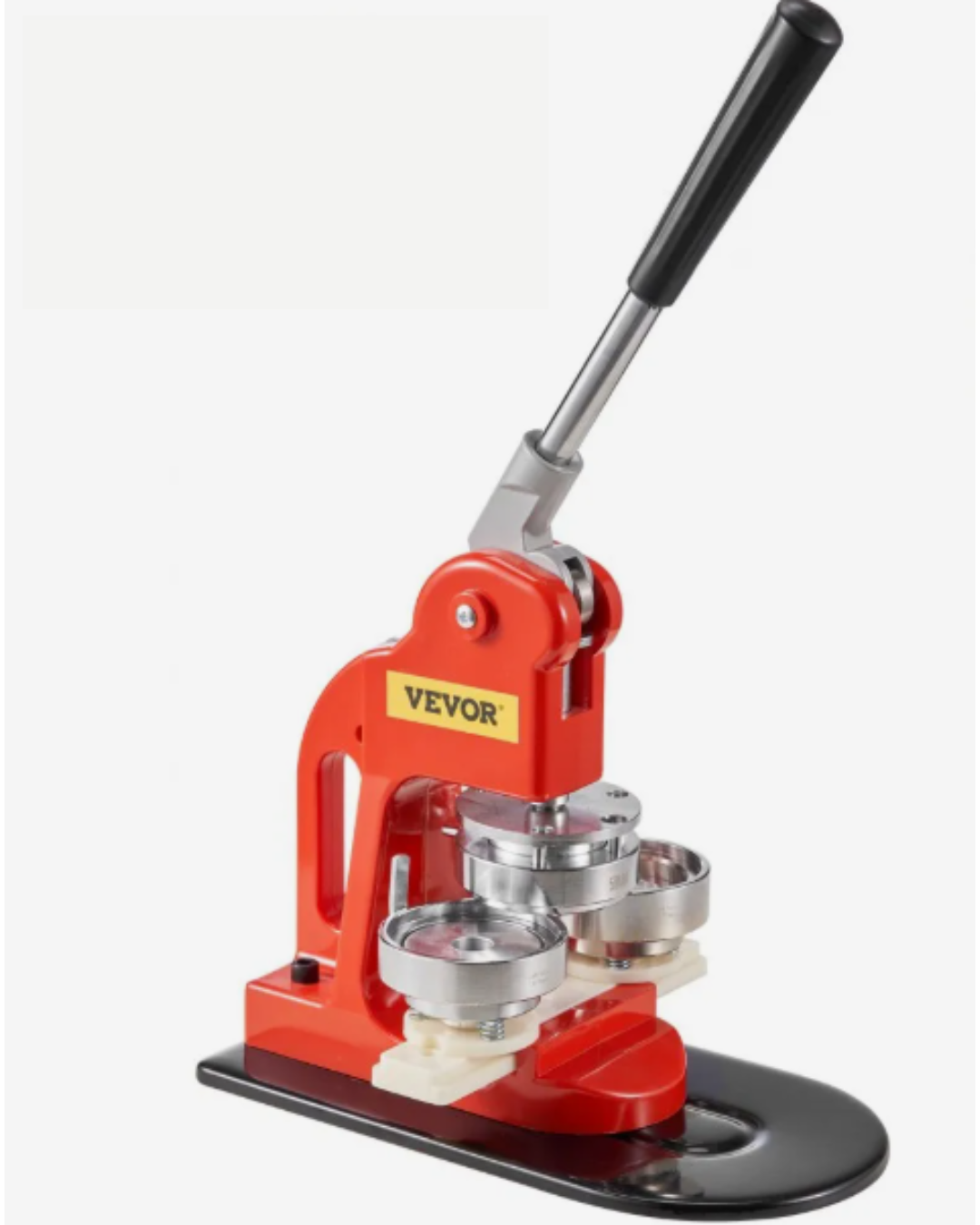
This machine allows you to design and make your own 58 mm (2.28 in) pin-on buttons, in either metal or plastic.
To use the equipment you will need a valid Muskoka Lakes Public Library card and you will be asked to sign a waiver. Youth ages 17 and younger will require a parent/guardian to sign the waiver.
What does it cost to use the Button Maker?
Each button costs $0.75 in materials, and you can choose between metal and plastic. We will have craft supplies on hand for you to use, or feel free to bring your own designs.
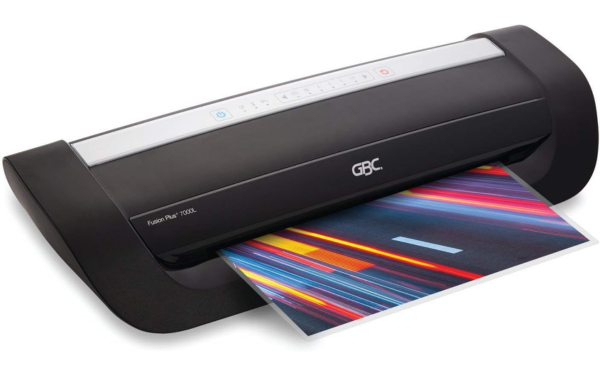
The GBC Fusion Plus 7000 Laminator Machine is a machine that uses transfer adhesive film on rollers to laminate documents up to 12 inches wide. The Laminator heats up within 1 minute and is compatible with pouches 3, 5, 7 and 10 mm thick. The Laminator is a great way to preserve documents, photos and other materials to protect them from wear and tear.
To use the equipment you will need a valid Muskoka Lakes Public Library card and you will be asked to sign a waiver. Youth ages 17 and younger will require a parent/guardian to sign the waiver.
What does it cost to use the Laminator?
- $1.00 per 8.5x11 sheet
- $1.50 per 8.5x14 sheet
- $2.00 per 11x17 sheet
The Laminator is available during Makerspace opening hours. Bookings are not required.
Contact Us
Muskoka Lakes Public Library
69 Joseph St., Box 189
Port Carling, ON P0B 1J0
T. 705-765-5650
Map this Location